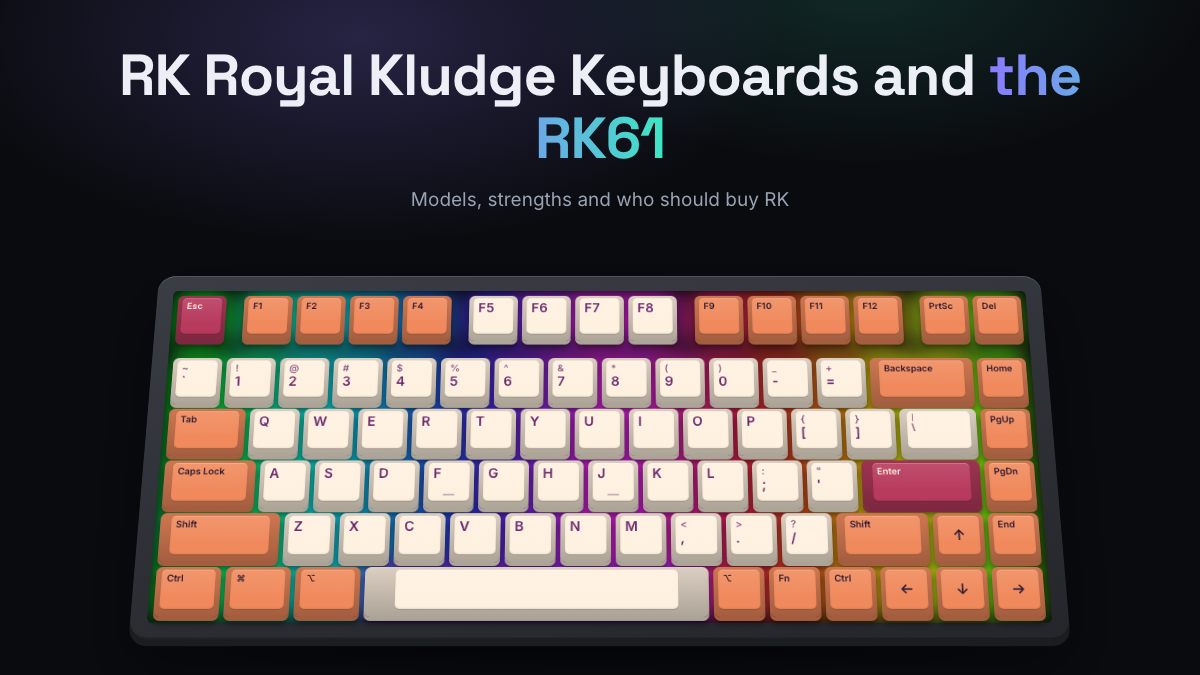
The RK Royal Kludge RK61 60% mechanical keyboard is one of the most popular budget mechanical keyboards ever sold, and for good reason. It packs 61 keys, hot-swap sockets, Bluetooth for up to three devices and a USB-C cable into a small plastic board that usually costs well under $75. It isn’t fancy, and the stock sound and wireless latency draw fair criticism, but as a first mechanical keyboard it’s hard to beat on value.
Royal Kludge (usually shortened to RK) has grown well beyond the RK61, though. Today the brand sells the refreshed RK61 Plus, full-feature 96% boards like the F99 and the left-numpad L98, and tenkeyless options like the RK87. This guide explains what RK is known for, which models matter, where the brand falls short and how it stacks up against Keychron, Epomaker and Aula.
RK Royal Kludge at a Glance
- RK is a Chinese keyboard brand known for cheap wireless mechanical boards with hot-swap sockets.
- The RK61 is a 60% board: no arrow keys, no function row and no number pad, with those keys moved to a Fn layer.
- The RK61 Plus adds pre-lubed switches, sound-dampening foam and tuned stabilizers for a small price bump.
- Bigger RK boards like the F99 and L98 add gasket mounting, large batteries and a full number pad.
- Common complaints: Windows-only software, ABS keycaps on cheaper models and wired mode being the safer pick for gaming.
- Choose RK for value and wireless flexibility; choose Keychron if you want Mac-friendly layouts and QMK/VIA support.
| Model | Size | Connectivity | Notable features | Rough price tier |
|---|---|---|---|---|
| RK61 | 60% (61 keys) | USB-C, Bluetooth, 2.4GHz on wireless versions | Hot-swap, ABS double-shot keycaps | Around $50 |
| RK61 Plus | 60% (61 keys) | USB-C, Bluetooth (3 devices), 2.4GHz | Pre-lubed switches, foam, per-key RGB | Under $75 |
| RK87 (Sink87G) | TKL, 87 keys | USB-C, 2.4GHz | Brown switches, RGB, 1850mAh battery | Budget |
| F99 | 96% (99 keys) | USB-C, Bluetooth, 2.4GHz | Gasket structure, hot-swap | Under $100 |
| L98 | 96% (98 keys) | USB-C, Bluetooth, 2.4GHz | Left-side numpad, gasket mount, 8000mAh battery, PBT keycaps | Under $100 |
RK Royal Kludge Overview
Royal Kludge is a Chinese manufacturer that the Deskthority keyboard wiki dates to around 2014. It started out making affordable mechanical gaming keyboards and now sells keyboards, mice and headsets through its own RK Gaming Store and big online marketplaces.
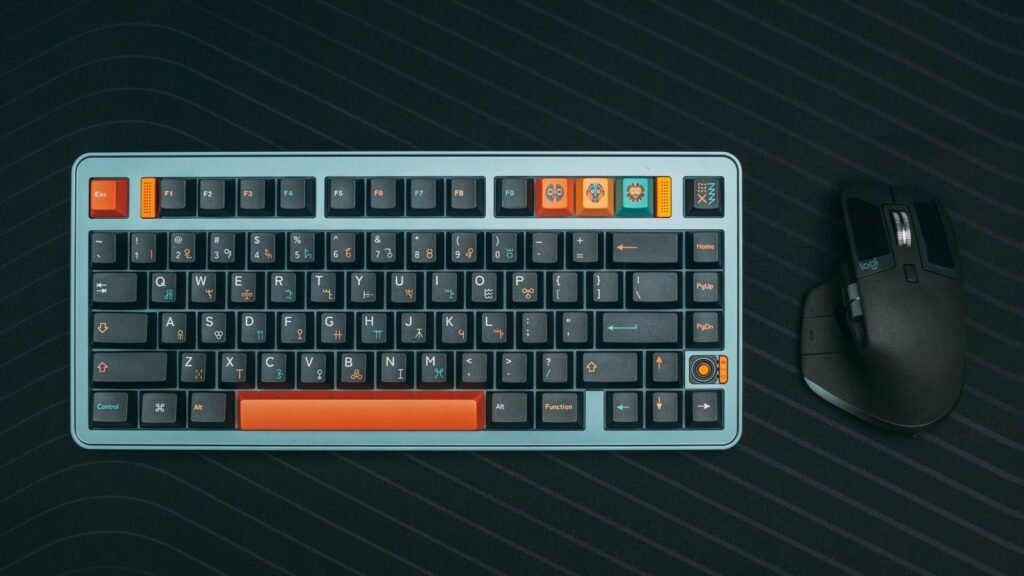
RK’s reputation rests on three things: low prices, wireless on almost everything, and hot-swap sockets. Hot-swap means the switches pop out of the circuit board with a puller, so you can try different switches without soldering. That made RK boards a popular entry point for people curious about the hobby.
The brand uses its own house switches (RK Red, Brown and Blue on older boards, and newer names like Cream, SkyCyan and Viridian on recent ones), mostly plastic cases and either ABS or PBT keycaps depending on the model. ABS is a smoother, cheaper plastic that tends to go shiny with use; PBT is harder and keeps its texture longer.
RK’s lineup spans most common sizes. If the size names are new to you, our guide to keyboard sizes and layouts explains 60%, 65%, 75%, TKL and full size with pictures.
The RK Royal Kludge RK61 60% Mechanical Keyboard
The RK61 is the board that made RK famous. It’s a 60% keyboard, meaning it keeps the main typing block and drops the function row, arrow keys, navigation cluster and number pad. Those missing keys still exist on a second layer: hold the Fn key and other keys become arrows, F1 to F12 and so on.
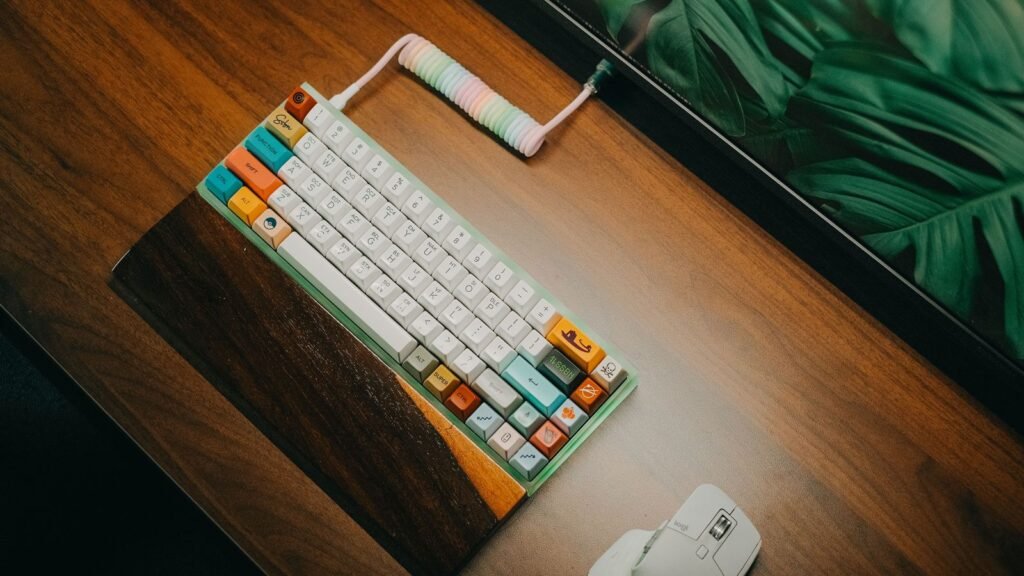
According to the RK61 product page, the wireless version has a hot-swap board that accepts both 3-pin and 5-pin switches, ABS double-shot keycaps with shine-through legends, a 1450mAh battery and a Windows app for remapping and lighting. It came with RK Red (linear), Brown (tactile) or Blue (clicky) switches, in single-color or RGB backlit versions, plus a cheaper wired-only edition.
What Reviewers Like and Dislike About the RK61
Review consensus is consistent. RTINGS’ RK61 review found it feels decently built for the money and supports Bluetooth pairing with up to three devices, but called it a basic board with little to set it apart. Owners praise the price, the small footprint and the multi-device switching.
The common complaints: – No flip-out feet, so you can’t change the typing angle. – Stock switches and stabilizers can sound rattly, and the spacebar can sound hollow. – Wireless latency is higher than wired, so competitive gamers should plug it in. – Software is Windows-only and fairly basic. – The 60% layout takes a few days to learn if you use arrow keys a lot.
RK61 Plus: The Refreshed Version
The RK61 Plus fixes most of the original’s sound complaints. Switch and Click’s RK61 Plus review lists pre-lubed switches (SkyCyan or Viridian linears, or Pale Green tactiles), lubed plate-mounted stabilizers, added sound-dampening foam, per-key RGB, and tri-mode connection: USB-C, Bluetooth for three devices and a 2.4GHz dongle. It typically costs only about $10 more than the RK61.
It keeps some of the RK61’s limits: ABS keycaps, Windows-only software with one onboard profile, and no official word on wireless latency. If you’re choosing between the two today, the Plus is the one to get. The original RK61 still shows up in stores, but some versions are listed as sold out on RK’s own site.
Other Popular Compact RK Models
If the 60% layout scares you, RK sells slightly larger compact boards that add dedicated arrow keys. The RK68 is a 65% (arrows plus a few navigation keys) and the RK84 is a 75% (adds a function row). They share the RK61’s budget focus and wireless options, so they’re worth a look if you want something small but don’t want to learn a Fn layer for arrows.
Not sure what difference a few millimeters of switch travel or a tactile bump makes? Hear linear vs tactile switches side by side before you pick a switch option.
Wireless and Budget RK Boards
Almost every RK board is wireless, and most current models are tri-mode: wired USB-C, Bluetooth and a 2.4GHz USB receiver. Bluetooth is handy for tablets and laptops, while the 2.4GHz dongle gives a steadier, lower-latency link for gaming. Wired mode is still the safest choice for fast games, a point reviewers repeat for RK’s cheaper boards.
RK F99 Wireless Mechanical Keyboard
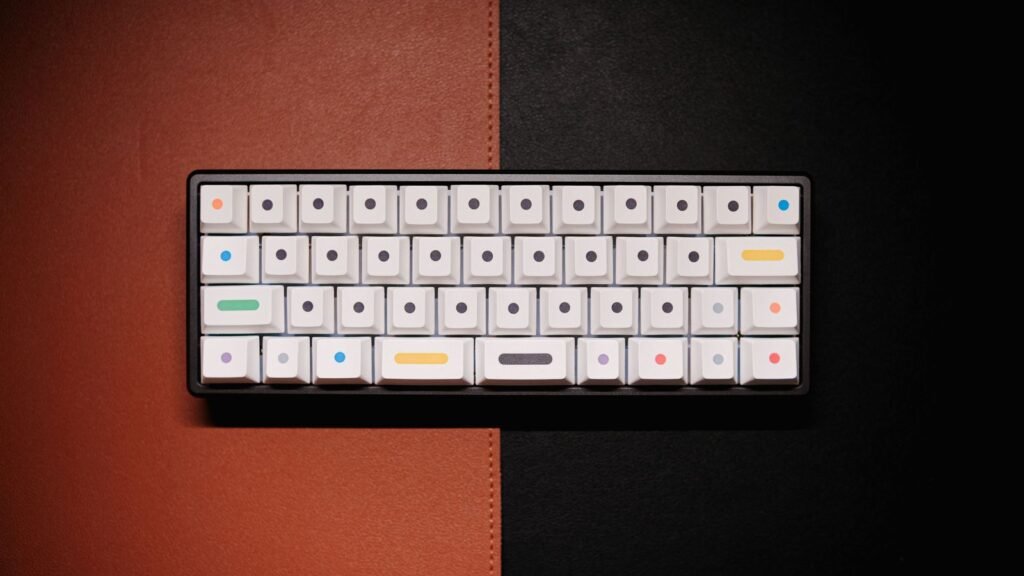
The F99 is RK’s 96% board. A 96% squeezes a full-size layout (number pad, arrows and function row) into a smaller frame by removing the gaps between key clusters. RK lists it as a tri-mode, hot-swap board with a gasket structure. Gasket mount means the plate sits on soft pads instead of being screwed tight to the case, which gives a slightly softer, quieter keystroke. It sells for under $100.
Watch the name: Aula also sells a keyboard called the F99, and the two are different products with different specs.
RK L98 Wireless Mechanical Keyboard
The L98 is one of RK’s more unusual boards. It’s a 98-key, 96% layout with the number pad on the left side (often called a southpaw layout). That moves the mouse closer to your body, which some people find more comfortable on a narrow desk, and it suits left-handed number entry.
Listings describe a gasket mount, an 8000mAh battery, tri-mode connection, hot-swap sockets, PBT double-shot keycaps and a metal volume knob, with pre-lubed Cream linear switches among the options. Like the F99, it sits under $100. It’s a lot of keyboard for the price, but try a left numpad on paper first: years of right-hand numpad habit can be hard to break.
RK87 (Sink87G) Tenkeyless Keyboard
The RK87, sometimes sold as the Sink87G, is RK’s tenkeyless (TKL) board. TKL means a full layout without the number pad, 87 keys in total. It connects by USB-C cable or 2.4GHz wireless, has RGB lighting and brown tactile switches, and RK lists an 1850mAh battery. It’s a sensible pick if you want arrows, a function row and the familiar spacing of a standard keyboard without the width of a number pad.
Who RK Is Best For
RK makes the most sense when you want a lot of features for little money and don’t mind a plastic build. It’s a solid entry point to the hobby, and the hot-swap sockets mean you can upgrade switches later instead of replacing the whole board.
RK is a good fit for: – First-time mechanical keyboard buyers who want to learn what they like before spending more. – Students and travelers who want a small wireless board that fits in a backpack (the RK61 and RK61 Plus). – Multi-device users who switch between a laptop, tablet and phone over Bluetooth. – Tinkerers who want a cheap hot-swap base for switch swaps, tape mods and foam mods. – Numpad users on a budget who want a full layout in a smaller footprint (the F99 or L98).
RK is a weaker fit for: – Mac users who want proper Mac support. RK’s software is Windows-only. Our guide to mechanical keyboards for Mac covers boards with native macOS layouts. – Competitive gamers on wireless. Use the cable, or look at boards with published latency and high polling rates. Polling rate is how often the keyboard reports to the computer each second. – People who want open firmware. RK boards don’t support QMK or VIA, the open-source tools many enthusiasts use for deep remapping. – Buyers who want premium materials. Cases are plastic, and cheaper models use ABS keycaps.
Much of what makes a cheap board sound better comes from simple changes like foam, lube and keycap material. You can explore what changes keyboard sound in the simulator to see which tweaks are worth it for your RK board.
Compare RK Models and Choose Yours
How We Put This Guide Together
KeySim did not hands-on test any RK keyboard. This guide is based on manufacturer specs, the build and switch choices on each model, and the consensus of reputable reviews and owner feedback. We left out details we couldn’t confirm.
Which RK Model Should You Pick?
- Smallest and cheapest: the original RK61, ideally a wireless version, if you’re on a tight budget.
- Best small all-rounder: the RK61 Plus, for its pre-lubed switches, foam and tri-mode connection.
- Want arrow keys in a small board: the RK68 (65%) or RK84 (75%).
- Standard layout without a numpad: the RK87 (Sink87G).
- Full layout with a numpad: the F99, or the L98 if you prefer the numpad on the left and want PBT keycaps and a big battery.
RK vs Keychron, Epomaker and Aula
| Brand | Price range | Strengths | Weak spots |
|---|---|---|---|
| Royal Kludge | Mostly budget | Low prices, tri-mode wireless, hot-swap on most boards | Windows-only software, plastic builds, no QMK or VIA |
| Keychron | Budget to midrange | Mac and Windows keycaps, QMK and VIA on many boards, aluminum options | Usually costs more than RK for similar features |
| Epomaker | Budget to midrange | Huge range of sizes and switch options, gasket boards | Quality and support reports vary by model |
| Aula | Budget | Gasket 75% and 96% boards with big batteries at low prices | Model names overlap with other brands (both Aula and RK sell an F99) |
Keychron is the most common step up. RTINGS’ comparison of the RK61 and the Keychron K6 points out that the K6 is a 65% board with dedicated arrow keys, while the RK61 is smaller and lighter. If you mostly use a Mac or want QMK and VIA, Keychron is usually worth the extra money.
Epomaker and Aula compete head to head with RK on price. Aula in particular has popular gasket-mounted 75% and 96% boards, so compare specs closely before you choose. For a broader shortlist across brands, see our best mechanical keyboards roundup.
Keep Your RK Board in Good Shape
Budget boards last longer with a little care. Pull the keycaps every few months to clear dust, wipe ABS caps before they get greasy and shiny, and charge wireless boards before the battery runs flat. Our mechanical keyboard cleaning guide walks through it step by step.
Frequently Asked Questions
Is the RK61 a Good Mechanical Keyboard?
Yes, for the price. The RK61 gives you a hot-swap 60% board with Bluetooth for three devices and a USB-C cable for very little money. Its weak spots are a basic plastic build, ABS keycaps, a somewhat rattly stock sound and wireless latency that makes wired mode the better choice for gaming.
Are RK Keyboards Good Quality?
RK keyboards are good quality for budget boards, with sturdy plastic cases and reliable hot-swap sockets, but they aren’t premium. Expect plastic cases, house-brand switches and basic Windows-only software. Newer models like the RK61 Plus, F99 and L98 add foam, pre-lubed switches and gasket mounting, which closes much of the gap with pricier brands.
What is the difference between the RK61 and the RK61 Plus?
The RK61 Plus adds pre-lubed switches, lubed stabilizers, sound-dampening foam and per-key RGB, with tri-mode wired, Bluetooth and 2.4GHz connection. It typically costs only about $10 more than the RK61. Both are 61-key 60% boards with the same layout.
Does the RK61 have arrow keys?
Not as dedicated keys. The arrows live on a Fn layer, so you hold Fn and press keys on the right side of the board. If you use arrows constantly, look at the RK68 (65%) or RK84 (75%), which have dedicated arrow keys.
Does the RK61 work with a Mac?
Yes, it connects to a Mac by cable or Bluetooth and types normally. The catch is that RK’s customization software is Windows-only and the keycaps use Windows legends, so you may need to remap Command and Option in macOS settings.
Are RK keyboards good for gaming?
They’re fine for casual and most competitive gaming when you play in wired mode. Over Bluetooth, latency is higher, and RK doesn’t publish latency figures for many boards. The 2.4GHz dongle is a better wireless option than Bluetooth for games.
Can you change the switches on an RK keyboard?
On hot-swap models, yes. The RK61 hot-swap board takes both 3-pin and 5-pin switches, and the RK61 Plus, F99 and L98 are hot-swap too. Pull a switch out with the included puller, line up the pins and press the new one in.
Curious how an RK61 with blue, brown or red switches might sound? Pick a clicky, tactile or linear switch in the simulator, add foam, then run the typing test to feel the difference a 60% layout makes.