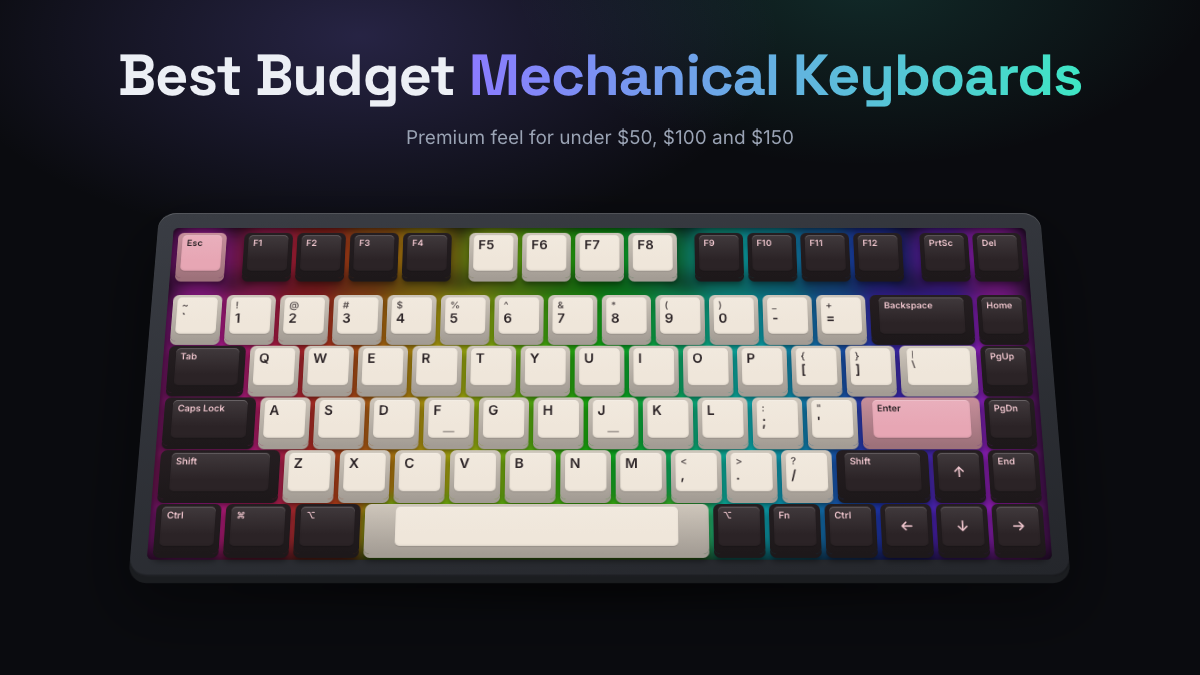
The best budget mechanical keyboard for most people right now is the Keychron V1 Max. For around $100 you get a 75% layout, gasket mounting, hot-swap sockets, PBT keycaps and three ways to connect. Those are features that cost twice as much a few years ago. If you need to spend less, the AULA F75 packs a similar recipe into a cheaper board. The Keychron C3 Pro and Redragon K552 show what you can still get for under $50.
“Premium feel” on a budget comes down to a few build choices, not the logo. Look for a softer mount, layers of foam, decent stabilizers, thick PBT keycaps and the option to swap switches later. This guide ranks eight boards from under $50 to around $140. It shows where cheap boards cut corners and helps you pick the right size before you spend anything.
Quick Answers
- Best overall: Keychron V1 Max, a gasket-mounted, hot-swap 75% board with tri-mode wireless for around $100.
- Best value: AULA F75, which offers gasket mounting, five dampening layers and PBT keycaps for well under $100.
- Best under $50: Keychron C3 Pro (TKL, QMK/VIA, steel plate) or Keychron C2 Pro if you need a number pad.
- The “premium” features to prioritize are gasket or soft mounting, internal foam, PBT keycaps and hot-swap sockets.
- Cheap boards usually save money on stabilizers, keycap plastic, case material and software, so check those first.
- Spending $100 to $150 buys aluminum, magnetic switches or better wireless, not a dramatically better typing feel.
How We Picked These Budget Boards
KeySim doesn’t lab-test keyboards, and these picks aren’t based on hands-on sessions. To make this list, we compiled manufacturer specs and switch options. We then checked them against the consensus of reputable published reviews and long-running owner feedback. Every spec below was confirmed on the maker’s own product page or in recent reviews.
Here’s what we weighed:
- Feel per dollar: mounting style, plate material, internal foam and stock stabilizers, because these shape typing feel more than RGB does.
- Upgrade path: hot-swap sockets (sockets that let you pull and replace switches without soldering) and QMK or VIA support for remapping keys.
- Keycaps: double-shot PBT plastic resists shine better than ABS, which develops a greasy gloss under your fingertips over time.
- Connectivity: wired, Bluetooth, 2.4 GHz wireless with a USB dongle, or all three (“tri-mode”).
- Track record: we left out boards with widespread reports of failing sockets or dead dongles, and boards we couldn’t confirm are still sold.
Best Budget Mechanical Keyboard Picks Ranked
Each pick below has a clear job. The table gives you the short version, and the sections that follow explain who each board suits and what you give up.
| Model | Size | Stock switches | Connectivity | Best for | Price tier |
|---|---|---|---|---|---|
| Keychron V1 Max | 75% | Gateron Jupiter Red, Brown or Banana | Wired, Bluetooth, 2.4 GHz | Best overall | Around $100 |
| AULA F75 | 75% | Varies by version | Wired, Bluetooth, 2.4 GHz | Best value | $50 to $80 |
| Keychron C3 Pro | TKL | Keychron Red or Brown | Wired | Best under $50 | Under $50 |
| Keychron C2 Pro | Full-size | K Pro Red or Brown | Wired | Full-size on a tight budget | Around $50 |
| Royal Kludge RK84 | 75% | RK linear (varies by edition) | Wired, Bluetooth, 2.4 GHz | Cheapest tri-mode wireless | $55 to $70 |
| Redragon K552 | TKL | Outemu (clicky or linear) | Wired | Lowest price | Under $50 |
| Keychron V6 Max | Full-size | Gateron Jupiter Red, Brown or Banana | Wired, Bluetooth, 2.4 GHz | Wireless full-size | $100 to $120 |
| Keychron K2 HE | 75% | Gateron Double-Rail Magnetic | Wired, Bluetooth, 2.4 GHz | Step-up and gaming | $130 to $140 |
Best Overall: Keychron V1 Max
The Keychron V1 Max is the board most enthusiasts point newcomers to when they ask for something that feels expensive but isn’t. It’s gasket mounted, which means the plate sits on soft pads instead of being screwed rigidly to the case. That gives each keystroke a slight cushion and a rounder, quieter sound. It pairs that with a flexible polycarbonate (PC) plate, hot-swap sockets and full QMK/VIA support, so you can remap any key in a browser.
The fully assembled version ships with Gateron Jupiter switches in Red (linear), Brown (tactile) or Banana (tactile). You can also buy a barebone version without switches or keycaps if you already own a set. Before choosing, hear how linear switches sound in the simulator next to tactile ones.
- Layout: 75% ANSI with a volume knob
- Mount and plate: gasket mount, PC plate, hot-swap sockets
- Connectivity: 2.4 GHz, Bluetooth 5.1 and wired, 1000 Hz polling, 4000 mAh battery rated up to 190 hours
- Keycaps: double-shot PBT
Good to know: the case is ABS plastic, so it feels lighter and less solid than aluminum boards, and the assembled version sits at the top of the “around $100” tier.
Best Value: AULA F75
The AULA F75 became a budget favorite because it copies the custom-keyboard recipe at a much lower price. AULA lists a leaf-spring gasket structure, a slotted PC plate and five layers of dampening: PORON foam, an IXPE switch pad, a PET acoustic sheet, a silicone bottom pad and bottom foam. That stack is why owners and reviewers often describe its sound as deeper and less hollow than typical cheap boards.
It’s tri-mode wireless, fully hot-swappable for 3-pin and 5-pin switches, and has an aluminum knob for volume and lighting. Pricing varies a lot by edition and sales, but the standard F75 regularly lands in the $50 to $80 range.
- Layout: 75% with 80 keys plus knob
- Mount and dampening: gasket mount, PC plate, five dampening layers
- Connectivity: Bluetooth, 2.4 GHz and USB-C wired
- Keycaps: PBT, two-color molded
Good to know: there are several versions (F75, F75 Pro, F75 Max, F75 Wired and others) with different switches and features, and remapping uses AULA’s own driver rather than VIA.
Best Under $50: Keychron C3 Pro
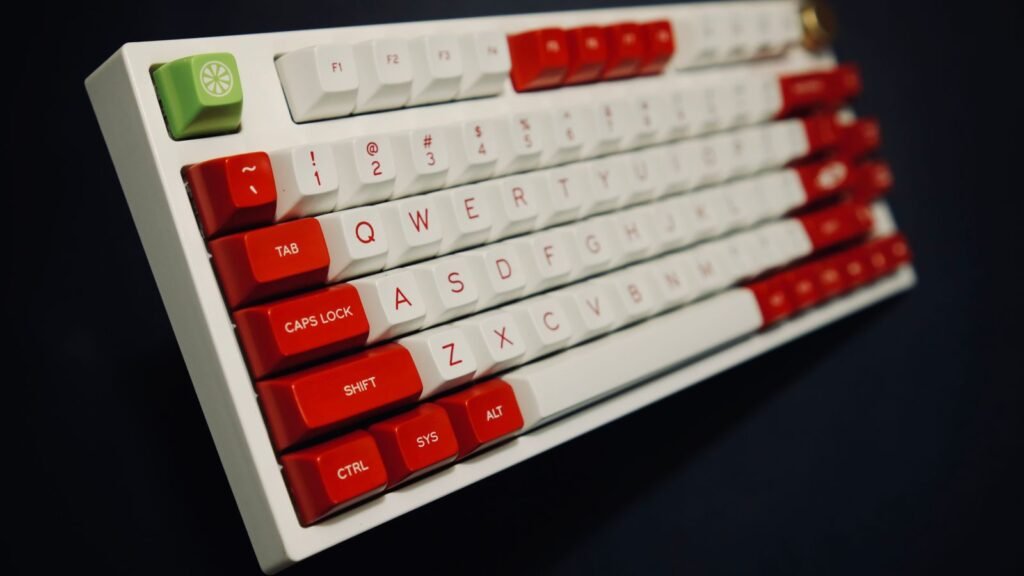
The Keychron C3 Pro is about as cheap as a well-made board from an enthusiast brand gets, and it lands well under $50. It’s a TKL (tenkeyless) layout, which is a full-size keyboard with the number pad removed. It has a steel plate and QMK firmware, so you can remap keys and set macros without installing bloated software.
Switch choices are Keychron’s own Mechanical Red (linear) or Brown (tactile), and the polling rate is 1000 Hz. Polling rate is how often the keyboard reports to your computer each second, so 1000 Hz means once every millisecond.
- Layout: TKL (80%)
- Plate and case: steel plate, ABS case
- Connectivity: wired USB, 1000 Hz polling
- Keycaps: OEM-profile double-shot ABS with shine-through legends
Good to know: the ABS keycaps will develop shine with heavy use, and there’s no wireless option.
Best Full-Size on a Tight Budget: Keychron C2 Pro
If you use a number pad every day, the Keychron C2 Pro gives you a full 100% layout for around $50, with the RGB versions costing a little more. Its RGB versions have hot-swap sockets, and every version gets double-shot PBT keycaps in OEM profile, which is unusual at this price. It runs QMK, and you remap it through Keychron’s web-based Launcher app.
- Layout: full-size 100% ANSI
- Switches: K Pro Red or Brown, hot-swap on RGB versions
- Connectivity: wired, 1000 Hz polling
- Keycaps: double-shot PBT, OEM profile
Good to know: it’s tray mounted in an ABS case, so it sounds more hollow and feels firmer than the gasket boards above. Adding a desk mat helps.
Cheapest Tri-Mode Wireless: Royal Kludge RK84
Royal Kludge is the brand many people buy as their first mechanical keyboard, and the RK84 is its most popular 75% board. It’s hot-swappable and connects over Bluetooth 5.0, a 2.4 GHz dongle or USB-C. Its 3750 mAh battery lasts a long time with the backlight off. Review consensus calls it one of the most feature-packed boards for the money.
Editions vary. Some ship with RK Red, Brown or Blue switches, and the current Limited Edition ships with RK Yellow linears.
- Layout: 75%, 84 keys
- Switches: hot-swap, RK switches (varies by edition)
- Connectivity: Bluetooth 5.0, 2.4 GHz and USB-C, 3750 mAh battery
- Keycaps: double-shot ABS
Good to know: it lacks gasket mounting and QMK, the remapping software is Windows only, and some owners report key chatter or dongle issues, so buy from a seller with easy returns.
Lowest Price: Redragon K552
The Redragon K552 Kumara has been the go-to under-$50 mechanical keyboard for years, and Redragon still sells it directly. It’s an 87-key TKL with Outemu switches, a metal top plate and a weighty feel on the desk. If all you want is a real mechanical switch under your fingers for the lowest price, this is it.
Clicky versions use Outemu Blue switches, which are loud and crisp. If you share a room, check what clicky, linear and tactile switches sound like first.
- Layout: TKL, 87 keys
- Switches: Outemu, soldered (not hot-swap)
- Connectivity: wired USB
- Build: metal top plate, ABS keycaps
Good to know: reviewers consistently describe it as loud and a bit hollow, the switches are soldered so you can’t swap them, and the stabilizers are basic.
Best Wireless Full-Size: Keychron V6 Max
The Keychron V6 Max is the V1 Max formula stretched to a full 100% layout. It has the same gasket mount, PC plate, hot-swap sockets, tri-mode wireless and 4000 mAh battery. It’s the board to get if you want a number pad and the cushioned feel of a modern custom-style keyboard without stepping up to aluminum prices.
- Layout: full-size 100% ANSI with knob
- Mount: gasket mount, PC plate, hot-swap
- Connectivity: 2.4 GHz, Bluetooth 5.1 and wired, 1000 Hz polling
- Keycaps: double-shot PBT, with Mac and Windows keycaps included
Good to know: at $100 to $120 it stretches the definition of budget, and its ABS case is lighter than a metal one.
Best Step-Up Under $150: Keychron K2 HE
The Keychron K2 HE uses magnetic Hall effect switches. These measure exactly how far each key is pressed instead of waiting for a metal contact to close. That allows adjustable actuation from 0.2 to 3.8 mm and rapid trigger, where a key resets the instant you start to lift. Gamers love that feature. Keychron lists an aluminum build, and reviewers have praised its sturdiness for the money.
- Layout: 75%
- Switches: Gateron Double-Rail Magnetic, hot-swap (magnetic switches only)
- Connectivity: 2.4 GHz, Bluetooth (up to 3 devices) and wired, 1000 Hz polling, 4000 mAh battery
- Keycaps: double-shot PBT
Good to know: it only accepts compatible magnetic switches, so you can’t drop in standard MX-style switches. Battery life is shorter than the V Max boards (rated up to 110 hours).
Best Mechanical Keyboards Under Common Budgets
Most people search with a number in mind, so here’s how the picks sort by price tier. Prices move with sales, so treat these as typical ranges rather than fixed figures.
Best Mechanical Keyboard Under $50
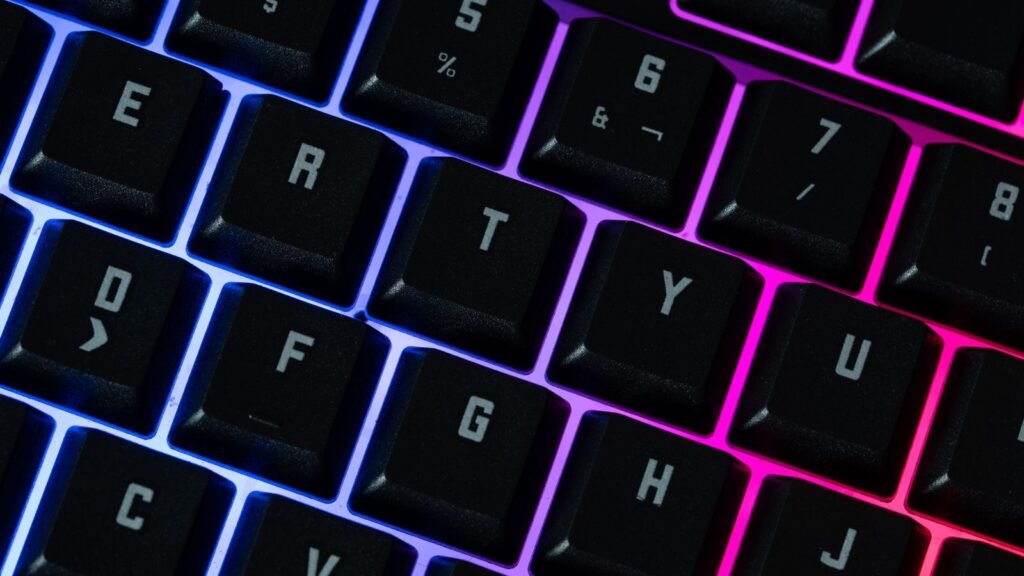
Under $50, you’re choosing between a polished wired board and the absolute lowest price. The Keychron C3 Pro (TKL) and Keychron C2 Pro (full-size) give you QMK remapping and decent keycaps from a brand with an enthusiast following. The Redragon K552 is cheaper still and sturdier than its price suggests, but it’s loud and its switches are soldered.
At this tier, expect wired-only connections, plastic cases and simple tray mounting. If you want to try a 60% layout this cheaply, Royal Kludge’s compact boards are worth a look too. Our Royal Kludge RK61 guide covers that option.
Best Mechanical Keyboard Under $100
This is the sweet spot, and it’s where “budget” boards start to feel genuinely premium. The AULA F75 brings gasket mounting and heavy dampening to the low end of this range. The Royal Kludge RK84 gets you tri-mode wireless and hot-swap for less. The Keychron V1 Max sits right around $100 and adds QMK/VIA, a longer-rated battery and a more established support network.
If your budget is a firm $100, any of these three is a strong buy. Pick based on whether you value price (RK84), sound and feel (F75) or software and long-term support (V1 Max).
Best Mechanical Keyboard Under $150
Between $100 and $150, you’re paying for specific extras rather than a big jump in feel. The Keychron V6 Max adds a number pad to the V1 Max formula. The Keychron K2 HE adds magnetic switches with rapid trigger and an aluminum build.
Above roughly $150, you enter full aluminum gasket boards. Our Keychron keyboards guide covers that next step if you decide to stretch.
Where Budget Boards Cut Corners
Every cheap keyboard saves money somewhere. Knowing where helps you spot a bargain and tells you which cheap fixes are worth doing yourself.
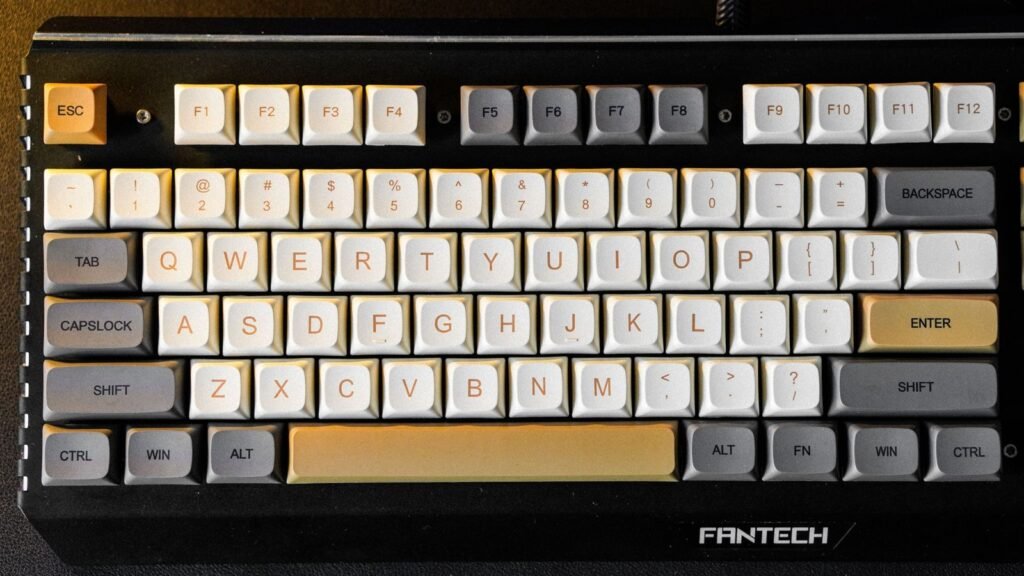
- Stabilizers: the wire stabilizers under the spacebar, Enter and Shift keys are the most common weak spot. Cheap plate-mounted stabs rattle and tick. A little dielectric grease or stabilizer lube on the wire ends fixes most of this.
- Keycaps: ABS keycaps are cheaper to make than PBT and turn shiny where your fingers rest. Thin keycaps also sound higher-pitched and clackier.
- Mounting and foam: tray mounting screws the circuit board straight to the case bottom. It’s cheap and stiff, and without foam it can sound hollow or “pingy.” Gasket mounts and foam layers are what make boards like the AULA F75 sound fuller.
- Case material: almost every board under $100 uses an ABS plastic case. That’s fine for feel, but plastic cases flex more and resonate more than aluminum.
- Soldered switches: boards like the Redragon K552 solder switches to the circuit board, so a failed switch means desoldering or replacing the board. Hot-swap sockets remove that risk.
- Software and wireless: budget brands often ship Windows-only remapping apps, and cheaper wireless boards may have shorter battery life with RGB on or less reliable dongles.
The good news is that most of these are fixable. Our guide to what changes keyboard sound shows how foam, lube, plate material and keycaps each shift the result, and you can toggle them in the simulator to hear the difference. ## Best Budget Picks by Size
Size matters more than most first-time buyers expect, because it decides which keys you keep and how much desk space you lose. If the percentages are new to you, our keyboard sizes and layouts guide explains each one in detail.
- Full-size (100%): every key, including the number pad. Best budget picks: Keychron C2 Pro under $50, Keychron V6 Max for wireless and gasket feel.
- TKL (80%, tenkeyless): drops the number pad but keeps the standard navigation block. Best budget picks: Keychron C3 Pro and Redragon K552.
- 75%: squeezes the function row and arrow keys into a tighter footprint. This is the most popular size right now and where the best value lives. Best budget picks: Keychron V1 Max, AULA F75, Royal Kludge RK84 and Keychron K2 HE.
- 65% and 60%: drop the function row (and, on 60%, the arrows) for maximum desk space and portability. You reach missing keys through a Fn layer. Royal Kludge’s RK61 is the classic cheap 60% starting point.
If you’re unsure, a 75% board is the safest choice. It keeps almost everything a typist or gamer needs, and it’s where budget makers put their best features.
Compare Budget Boards and Choose Yours
Once you’ve picked a price tier and size, run through this short checklist before you commit:
- Decide wired or wireless. If the board never leaves your desk, a wired board like the C3 Pro saves money. If you switch between a laptop and desktop, tri-mode is worth paying for.
- Pick a switch type. Linear switches are smooth, tactile switches have a small bump, and clicky switches add an audible click. Linears and tactiles are the safer choice for shared spaces.
- Prioritize hot-swap. It lets you replace a failed switch or try new ones later, which effectively extends the life of a cheap board.
- Check the keycaps. Double-shot PBT is a meaningful upgrade over ABS at no extra cost on boards like the Keychron V Max series and C2 Pro.
- Check the software. QMK/VIA or a web app works on any operating system, while some budget brands only offer Windows tools. Mac users should also read our guide to mechanical keyboards for Mac.
- Buy where returns are easy. Quality control varies more at the bottom of the market, so a simple return path matters.
Not sure about feel yet? Run the simulator’s typing test with a few different switch types loaded. It’s a free way to find out whether you enjoy a bump or prefer smooth keystrokes before you buy anything.
Frequently Asked Questions
What Is the Best Cheap Mechanical Keyboard?
For under $50, the Keychron C3 Pro is the best cheap mechanical keyboard for most people thanks to its steel plate, QMK/VIA remapping and Keychron’s support. If you need a number pad, the Keychron C2 Pro adds one along with PBT keycaps. If you want the absolute lowest price and don’t mind noise, the Redragon K552 is the long-running favorite.
Is a Budget Mechanical Keyboard Worth Buying?
Yes, for most people. Even under $50, you get real mechanical switches, a sturdier feel than most membrane keyboards and keys that are rated to last for years. Around $100, boards like the Keychron V1 Max and AULA F75 now include gasket mounting, foam and hot-swap sockets that used to be found only on expensive custom builds.
What Is the Best Mechanical Keyboard Under $100?
The Keychron V1 Max is our top pick under $100 because it combines gasket mounting, hot-swap, PBT keycaps, QMK/VIA and tri-mode wireless. The AULA F75 is the value alternative with heavier dampening, and the Royal Kludge RK84 is the cheapest of the three tri-mode boards. Exact prices vary by version and sale.
What Is the Best Mechanical Keyboard Under $50?
The Keychron C3 Pro (TKL) and Keychron C2 Pro (full-size) are the best-rounded options under $50. Both are wired and offer QMK remapping, and the C2 Pro adds PBT keycaps. The Redragon K552 is cheaper and heavier but louder, and its switches are soldered in.
Do I Need Hot-Swap on My First Keyboard?
It isn’t required, but it’s strongly recommended. Hot-swap lets you replace a failed switch in seconds or try different switches later without soldering. That makes a cheap board last longer and teaches you what you like.
Is Wireless Worth It on a Budget Keyboard?
If you switch between devices or want a clean desk, yes. A 2.4 GHz dongle is close enough to wired for gaming, while Bluetooth is fine for typing. The trade-offs on cheaper wireless boards are shorter battery life with RGB on and occasional dongle issues, so check owner feedback.
Are Cheap Mechanical Keyboards Loud?
They can be, especially boards with clicky switches, tray mounting and no internal foam. Choosing linear or tactile switches, a gasket-mounted board with foam, or simply adding a desk mat makes a big difference. Lubing rattly stabilizers also quiets the larger keys.
Load a linear and a tactile switch in the simulator, then add foam and PBT keycaps to hear how a budget build can sound closer to a premium board.