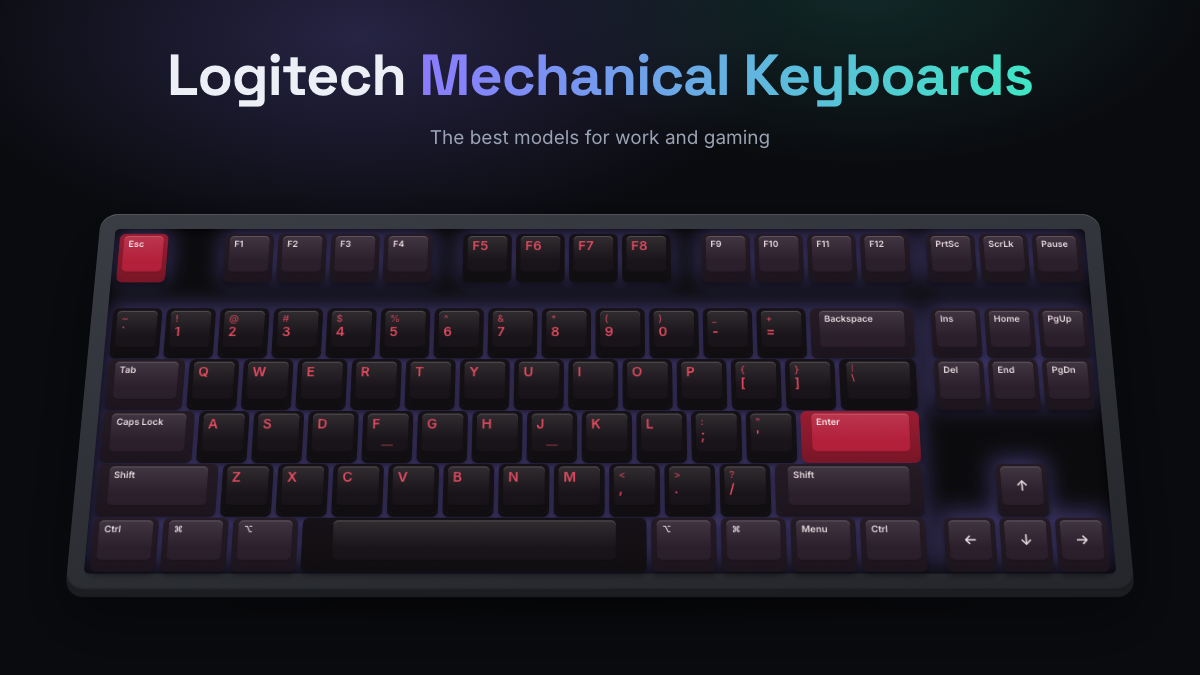
A Logitech mechanical keyboard makes the most sense if you want a polished, easy board from a big brand, with good wireless and software that works without fuss. Logitech splits its range into two families. Logitech G makes gaming boards like the G915 X, G515, G512 X and PRO series. The office side sells the MX Mechanical, MX Mechanical Mini and POP Keys for typing, multitasking and switching between devices.
The short version: pick the MX Mechanical for work, the G915 X or G515 if you want a slim wireless gaming board, and the G512 X if you want switches you can swap and magnetic keys. If you want a heavily customizable enthusiast board, look elsewhere. Most Logitech models don’t have hot-swap sockets and use Logitech’s own low-profile switches. This guide is research-based. KeySim didn’t test these keyboards hands-on. Our picks come from Logitech’s spec pages, reputable reviews and the general view of owners.
Logitech Mechanical Keyboards at a Glance
- Logitech G boards are for gaming (G HUB software, LIGHTSPEED wireless). MX and POP boards are for work (Logi Options+, multi-device Bluetooth).
- The MX Mechanical is the best Logitech pick for office work, with low-profile switches and pairing for up to 3 devices.
- The G915 X and G515 are the slim, low-profile gaming options. Both come in wireless versions.
- The G512 X (75 and 98 sizes) is the first Logitech board where most people can swap switches, and it mixes magnetic analog keys with mechanical ones.
- Budget wired picks include the G413 SE and G413 TKL SE, which come in under $80.
- The usual complaints: high list prices, limited hot-swap support and switches that are fine but not exciting.
| Model | Best for | Size | Connection | Switches |
|---|---|---|---|---|
| MX Mechanical | Office, multi-device | Full size (Mini without numpad) | Bluetooth, Logi Bolt | Low-profile tactile quiet, clicky, linear |
| POP Keys | Casual home use | Compact | Bluetooth, receiver | TTC Brown tactile |
| G915 X | Premium slim gaming | Full size and TKL | LIGHTSPEED, Bluetooth, USB-C (wired model too) | Low-profile GL linear, tactile, clicky |
| G515 LIGHTSPEED TKL | Mid-price slim gaming | TKL | LIGHTSPEED, Bluetooth, USB-C | Low-profile tactile or linear |
| G512 X | Tinkering, competitive gaming | 75% and 98% | Wired USB-C | Mechanical plus magnetic analog (Dual Swap) |
| PRO X TKL LIGHTSPEED | Esports, wireless TKL | TKL | LIGHTSPEED, Bluetooth, USB-C | GX Brown, Red or Blue |
| G413 SE / TKL SE | Budget gaming | Full size and TKL | Wired | Tactile |
Who Logitech Is and What It’s Known For
Logitech started out in Switzerland in 1981 and grew into one of the largest makers of mice, keyboards, webcams and headsets in the world. Its keyboards follow the same idea: they’re reliable, easy to set up and sold almost everywhere.
The brand’s gaming side, Logitech G, is behind the RGB boards and the PRO esports line. Its signature tech is LIGHTSPEED, Logitech’s 2.4 GHz wireless connection that uses a small USB receiver. Reviewers often say it feels as responsive as a cable. The office side runs on Logi Options+, an app for remapping keys, setting per-app shortcuts and syncing settings across devices.
Logitech isn’t an enthusiast brand. You won’t find gasket mounts (a way of suspending the plate on soft gaskets so typing feels softer) or deep firmware customization. What you do get is a solid build, reliable wireless and features that work without much setup.
Logitech Gaming Vs Office Mechanical Boards
The two families can look alike, but they’re designed for different jobs. The quickest way to choose is to work out whether you need gaming software and fast wireless, or multi-device pairing and quieter typing.
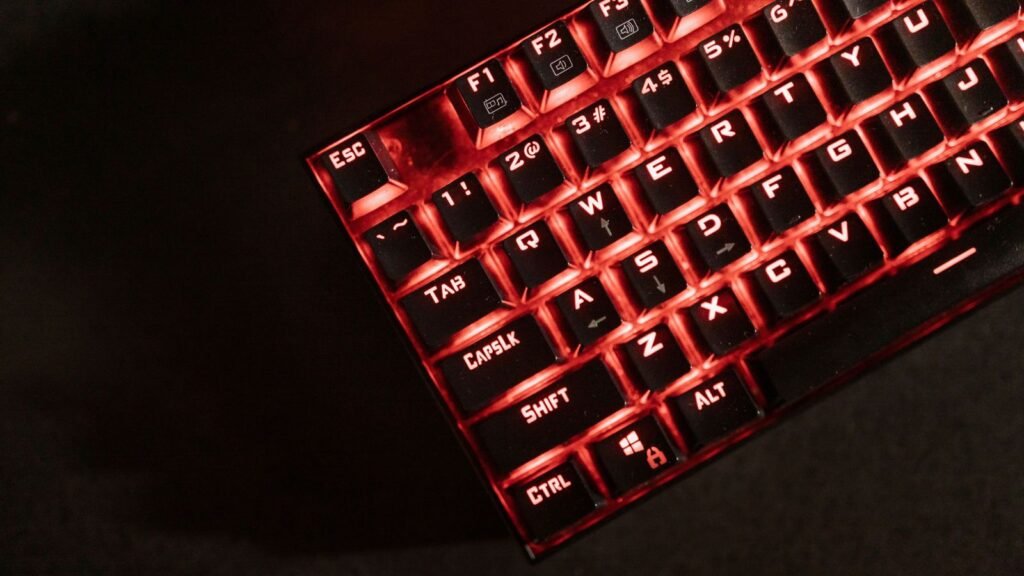
Logitech G Gaming Boards
Gaming models use G HUB software for RGB lighting (Logitech calls it LIGHTSYNC), macros and onboard profiles. Several of them have polling rates above the usual 1,000 Hz. Polling rate is how often the keyboard reports to your PC each second, so a higher rate cuts input delay a little. The G512 X goes up to 8,000 Hz. Switch choices are linear (smooth), tactile (a small bump) and clicky (a bump plus a click sound).
Logitech Office and Home Boards
The MX Mechanical and POP Keys pair with up to three devices and switch between them at the press of a button, so one keyboard can handle your laptop, desktop and tablet. They work with Windows and macOS. The MX also lists ChromeOS, Linux and iPadOS support. Lighting is simple white backlighting, or none at all on POP Keys. Battery life is measured in weeks or months, not hours.
If you mostly type and sometimes play casually, an office board is enough. For competitive shooters, the G line is worth it.
Popular Logitech Mechanical Models
These are the current models that come up most often in reviews and owner discussions. Older boards, like the original G915 and the G512 RGB, have been replaced or are hard to find. The original G512 shows as out of stock on Logitech’s own store.

Logitech MX Mechanical and MX Mechanical Mini
The MX Mechanical is Logitech’s work keyboard, and it’s the one most reviewers recommend first. It uses low-profile mechanical switches in Tactile Quiet, Clicky or Linear. It connects over Bluetooth Low Energy or the included Logi Bolt receiver and pairs with up to three devices. The keys light up as your hands get close, and the backlight adjusts to the room.
Logitech rates the battery at up to 15 days with backlighting on and up to 10 months with it off. The Mini drops the number pad and keeps everything else. The full-size board sells for about $150 to $180, depending on the switch. The most common criticism, including from Tom’s Guide, is that the price is high for a keyboard without hot-swap or premium keycaps. If you want something quiet for an office, the Tactile Quiet version is the one to get.
Logitech POP Keys Wireless Mechanical Keyboard
POP Keys is the fun one: round typewriter-style keycaps, bright color schemes and customizable emoji keys. Reviewers identify the switches as TTC Brown tactiles. It connects over Bluetooth or a receiver to up to three devices. Logitech quotes up to three years of battery life, though it uses disposable batteries instead of a rechargeable one. It’s around $100. The typing feel gets mixed reviews, so treat it as a style pick first.
Logitech G915 X (Wireless, TKL and Wired)
The G915 X replaces the well-known G915 and is the board to get if you want a slim, premium Logitech mechanical keyboard. Logitech says it’s only 23 mm high. It has a sandblasted aluminum top plate, double-shot PBT keycaps and low-profile GL switches with a 1.3 mm actuation point. PBT is a tough plastic that resists the shiny wear you get on cheaper ABS keycaps. The switches now use cross-shaped stems, so some third-party keycaps fit.
The LIGHTSPEED wireless version works over the receiver, Bluetooth or USB-C. One review lists up to 36 hours at full RGB and up to 800 hours with the lights off. It comes in full size and TKL (tenkeyless, which means no number pad). The G915 X Wired costs less and only comes in linear or tactile. The wireless versions also offer clicky switches. RTINGS rates it highly for gaming but says the short travel can feel abrupt for long typing sessions. Expect to pay about $200 to $260 at list price.
Logitech G515 LIGHTSPEED TKL
The G515 is the cheaper way to get a slim Logitech board. It’s a low-profile TKL with tactile or linear switches (1.3 mm actuation, 3.2 mm travel). It connects by LIGHTSPEED, Bluetooth or cable, and there’s a wired-only G515 TKL too. Reviewers like the price and the connection options. Common complaints are no hot-swap, a plastic top and battery life of about 36 hours with RGB on. Prices run roughly $120 to $160. For more slim options from other brands, see our guide to low-profile mechanical keyboards.
Logitech G512 X 75 and G512 X 98 Dual Swap
The G512 X, announced in April 2026, is Logitech’s most interesting board for tinkerers. Its Dual Swap design gives you 39 sockets with magnetic sensors. Each one takes either a magnetic analog switch or any standard 3-pin or 5-pin mechanical switch. In practice that means you can use magnetic switches on your gaming keys (say, WASD) and mechanical switches everywhere else.
On analog keys, you can set the actuation point (how far down a key goes before it registers) anywhere from 0.1 to 4.0 mm. Logitech lists true 8K polling. It’s wired over USB-C, uses double-shot PBT keycaps and comes in 75% and 98% (a compact layout that keeps the number pad) with linear or tactile switches. It costs roughly $180 to $200. Reviewers like how flexible it is but point out the polycarbonate build and the price, and they note that the swapped keys feel different from the rest when you type.
Logitech G PRO Mechanical Gaming Keyboard and PRO X TKL
The original PRO is a compact wired TKL made for esports, with GX Blue clicky switches, a detachable cable and LIGHTSYNC RGB. It’s still sold at around $120. It’s an older design, and its loud clicky switches can bother people sitting near you.
The PRO X TKL LIGHTSPEED is the wireless update, with GX Brown, Red or Blue switches, LIGHTSPEED and Bluetooth, and Logitech’s rated battery life of up to 50 hours. Reviewers at RTINGS and Trusted Reviews note it dropped the hot-swap sockets the earlier PRO X had. Logitech also sells RAPID versions with analog switches for players who want adjustable actuation.
Logitech G413 SE and G413 TKL SE
These are Logitech’s budget mechanical boards. Both have tactile switches, PBT keycaps, an aluminum top case, white backlighting and 6-key rollover with anti-ghosting, which means up to six keys pressed together all register correctly. You can get the full-size or TKL version, usually for under $80. There’s no RGB and no wireless, but they’re a solid way to get a mechanical keyboard with Logitech’s build quality.
Logitech K845 Mechanical Illuminated Keyboard
The K845 is an older wired office board with an aluminum top and TTC switches in red (linear), brown (tactile) or blue (clicky). Some retailers now list the brown and red versions as discontinued. If you want one, check that the version you want is still in stock. Otherwise, the MX Mechanical is the current Logitech office board.
Wireless Logitech Options
Wireless is where Logitech is strongest. Most of its premium boards offer two kinds of wireless, and it helps to know which one each board uses.
- LIGHTSPEED (G915 X, G515 LIGHTSPEED, PRO X TKL LIGHTSPEED): a 2.4 GHz connection through a USB receiver, built for low-latency gaming. These boards also offer Bluetooth for laptops and tablets.
- Logi Bolt (MX Mechanical): Logitech’s secure office receiver, plus Bluetooth Low Energy, with Easy-Switch between three devices.
- Bluetooth plus receiver (POP Keys): simple multi-device pairing for home use.
Battery life varies a lot with lighting. Office boards with white backlighting, or none, last weeks to months. RGB gaming boards last days with the lights on full. Turning the brightness down is the easiest way to get more life out of a G915 X or G515. If you want wireless with a clicky or tactile feel for work, the MX Mechanical is the pick. For gaming, the G915 X is the premium choice and the G515 the cheaper one.
If you’re not sure which switch feel you want, you can hear linear vs tactile switches in the KeySim simulator before choosing a variant. The sounds are synthesized switch types, not recordings of Logitech boards, but they’ll give you a sense of how a linear, tactile or clicky board will sound in a shared room.
Logitech Mechanical Keyboard Strengths and Common Complaints
Across reviews and owner feedback, the same points come up again and again.
What Owners Like
- Wireless that just works, especially LIGHTSPEED for gaming
- Slim, low-profile designs that are comfortable without a wrist rest
- Good build quality on premium models, including aluminum top plates on the G915 X and G413 SE
- Easy multi-device switching on MX and POP boards
- Wide availability and straightforward warranty support
Common Complaints
- High list prices on the MX Mechanical, G915 X and PRO X TKL, though discounts are common
- Little hot-swap support outside the G512 X
- Proprietary low-profile switches, so your choice of replacement switches and keycaps is narrower than on standard boards
- Typing feel that reviewers call fine but not special, with some keys that wobble on low-profile models
- Two separate apps (G HUB and Logi Options+) depending on which family you buy
How Logitech Compares With Keychron, Razer and Corsair
Keychron is the alternative if you want to tinker. Many of its boards offer hot-swap sockets, Mac and Windows keycaps, and VIA support for remapping keys, often for less money than a similar Logitech. Read our Keychron mechanical keyboard guide for its lineup, or our guide to mechanical keyboards for Mac if you work on macOS.
Razer and Corsair compete directly with Logitech G. Both sell RGB-heavy gaming boards with their own wireless and their own software (Razer Synapse and Corsair iCUE). Choosing between the three usually comes down to which software you already use for your mouse and headset, and whether you want the slim feel Logitech is known for. ## Who Should and Shouldn’t Buy Logitech
Buy a Logitech mechanical keyboard if you value reliable wireless, a slim low-profile feel, or one keyboard that switches between work devices. It’s also a good choice if you already own a Logitech mouse and want everything in one app.
Skip Logitech if you want to swap switches freely, try lots of keycap sets, or tune the sound with foam and lube. A hot-swap board from an enthusiast brand will serve you better there. Our guide to keyboard sizes and layouts can help you choose between TKL, 75% and full size before you shop around.
Compare Logitech Models and Choose Yours
Use your main job as the deciding factor.
| If you want | Pick | Why |
|---|---|---|
| A quiet board for office work | MX Mechanical (Tactile Quiet) | Low-profile, three devices, long battery with the backlight off |
| A small desk footprint for work | MX Mechanical Mini | Same features without the number pad |
| A fun, colorful home keyboard | POP Keys | Emoji keys, playful design, around $100 |
| A premium slim gaming board | G915 X LIGHTSPEED | Aluminum top, PBT keycaps, LIGHTSPEED and Bluetooth |
| Slim gaming on a smaller budget | G515 LIGHTSPEED TKL | Low-profile, three connection modes |
| Swappable switches and analog keys | G512 X 75 or 98 | Dual Swap sockets, adjustable actuation, 8K polling |
| A wireless esports TKL | PRO X TKL LIGHTSPEED | GX switch choice, LIGHTSPEED, compact layout |
| The cheapest Logitech mechanical | G413 TKL SE | Tactile switches, PBT keycaps, under $80 |
Before you choose, decide on switch type. Tactile suits mixed typing and gaming, linear suits fast gaming, and clicky is satisfying but loud. You can compare switch sounds on KeySim to narrow it down. To see how Logitech stacks up against the wider market, read our roundup of the best mechanical keyboards.
Frequently Asked Questions
Are Logitech Mechanical Keyboards Good?
Yes, for most people. Reviewers praise their build quality, reliable wireless and easy software, especially on the MX Mechanical and G915 X. The main drawbacks are high list prices and limited hot-swap support, so enthusiasts who like to customize often prefer other brands.
What Is the Best Logitech Mechanical Keyboard?
For work, the MX Mechanical is the best all-round pick thanks to its quiet switch option and three-device pairing. For gaming, the G915 X LIGHTSPEED is the premium slim choice. The G512 X is best if you want to swap switches or use magnetic analog keys.
Does Logitech make a low-profile mechanical keyboard?
Yes. The MX Mechanical, MX Mechanical Mini, G915 X and G515 all use low-profile mechanical switches. They’re thinner than standard boards and many people find them comfortable without a wrist rest.
Are Logitech mechanical keyboards hot-swappable?
Most aren’t. The G512 X is the main exception, with 39 Dual Swap sockets that accept magnetic analog switches or standard 3-pin and 5-pin mechanical switches. The current PRO X TKL LIGHTSPEED, G515 and MX Mechanical don’t support hot-swap.
Is the Logitech MX Mechanical good for gaming?
It’s fine for casual games, but it isn’t designed for competitive play. It has no LIGHTSPEED wireless or gaming software. A G515 or G915 X is a better choice if gaming matters to you.
Do Logitech keyboards work with Mac?
Yes. The MX Mechanical and POP Keys support macOS and switch layouts easily, and the G512 X is listed for PC and Mac. Some gaming features in G HUB are designed with Windows in mind, so check the model page before you buy.
Which Logitech mechanical keyboard is quietest?
The MX Mechanical with Tactile Quiet switches is the quietest Logitech mechanical option. Linear versions of the G915 X and G515 are also fairly quiet. Avoid the clicky GX Blue boards if you share a room.
Open the KeySim simulator and switch between a linear, tactile and clicky switch to hear which one suits your desk, then try different keycap and plate options to hear how the build changes the sound.