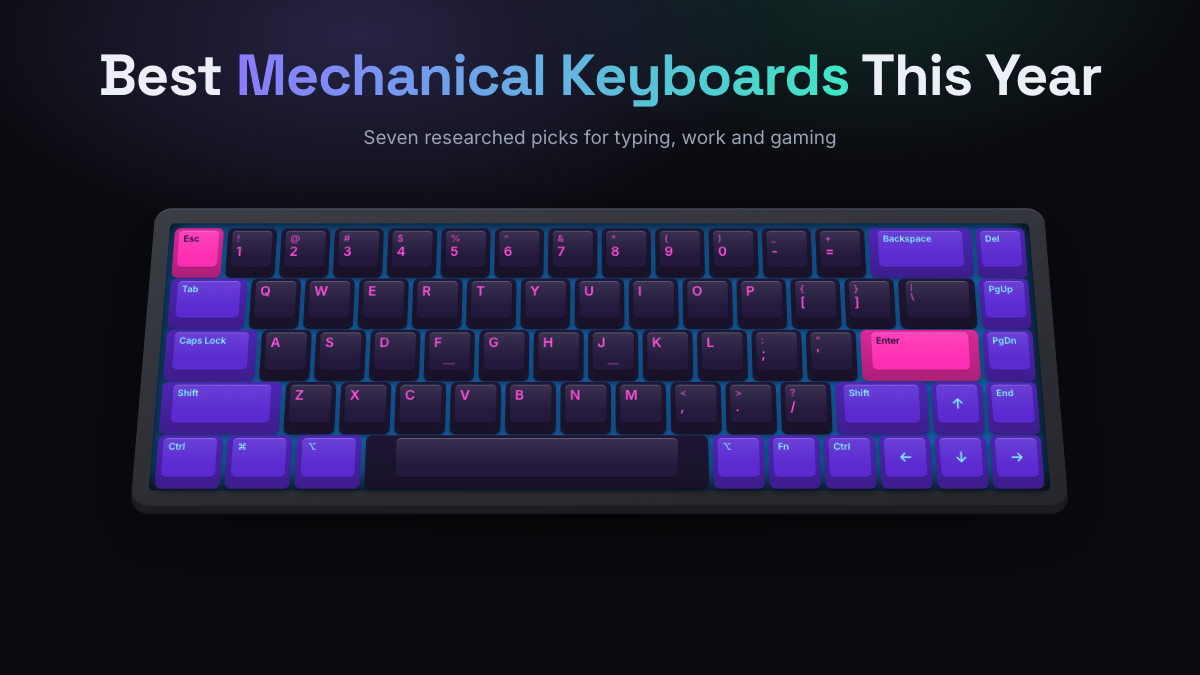
The best mechanical keyboard for most people this year is the Keychron Q1 Ultra 8K: a heavy aluminum 75% board with hot-swap sockets, smooth POM switches, wired plus 2.4 GHz plus Bluetooth connections, and very long battery life. If you need a number pad, a quiet office board or a fast gaming keyboard, one of the six other picks below will suit you better, and we explain exactly why.
Every pick here is chosen from research. KeySim compiles manufacturer specs, switch and build options, and the consensus of reputable reviews and owner feedback. Before you spend money, you can also hear linear vs tactile switches in our free simulator to work out which feel and sound you’re after.
Quick Answer
- Best overall: Keychron Q1 Ultra 8K, a premium 75% board that’s easy to customize and great to type on.
- Best for office work and writers: Logitech MX Mechanical, quiet tactile switches and easy multi-device pairing.
- Best for competitive gaming: Wooting 80HE, magnetic Hall effect switches with Rapid Trigger.
- Best value: Keychron V1 Max, gasket mount, PBT keycaps and tri-mode wireless for around $100.
- Pick the size first (75% suits most desks), then the switch type, then the extras.
- Expect to spend around $100 for a great all-rounder; $200 and up buys metal cases and nicer stabilizers.
How We Ranked the Best Mechanical Keyboards
These rankings are research-based. We read manufacturer spec pages, recent reviews from established publications, and owner feedback, then weighed each board against the same four questions. For this 2026 list, a keyboard only made the cut if it’s real, currently sold, and its key specs could be confirmed on the maker’s own page or in a review from the last two years.
Typing Feel, Build, Features, and Value
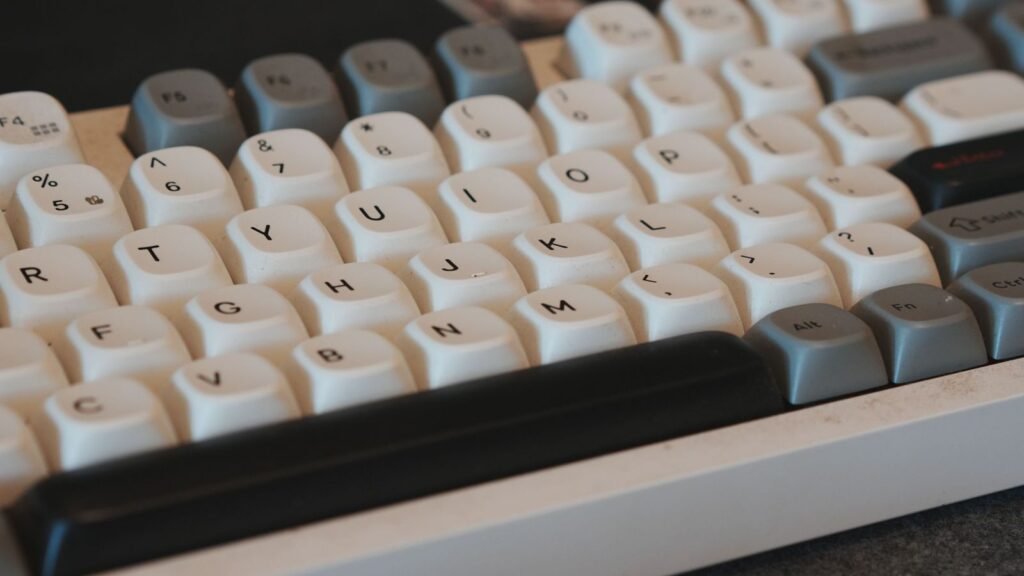
- Typing feel: the switch options, how the board is mounted (gasket mount means the plate floats on soft gaskets for a cushioned feel), stabilizer quality on long keys, and the keycap material. PBT plastic resists shine better than ABS.
- Build: case material, weight, flex, and whether there’s sound-dampening foam inside.
- Features: hot-swap sockets (you can pull and replace switches without soldering), wireless modes, battery life, remapping software, and polling rate (how often the board reports to your computer, measured in Hz).
- Value: what you get for the money compared to boards at the same price tier, and whether reviewers flag any dealbreakers.
We also leaned toward prebuilt keyboards that work well out of the box. You can mod any of them later, but none of these picks require it.
Compare Our Top Picks Side by Side
Here’s the whole list at a glance. Price tiers are approximate and move with sales, so treat them as a guide to which bracket a board sits in.
| Model | Size | Switches | Connectivity | Best for | Price tier |
|---|---|---|---|---|---|
| Keychron Q1 Ultra 8K | 75% | Keychron Silk POM (linear or tactile), hot-swap | Wired, 2.4 GHz, Bluetooth | Best overall, typists | $200 to $250 |
| Keychron Q6 Ultra 8K | Full size (100%) | Keychron Silk POM (linear or tactile), hot-swap | Wired, 2.4 GHz, Bluetooth | Numpad users, data entry | $200 to $250 |
| Logitech MX Mechanical | Full size or Mini | Low-profile Tactile Quiet, Linear or Clicky | Bluetooth, Logi Bolt receiver | Office work, writers | $150 to $180 |
| Wooting 80HE | Compact TKL (80%) | Lekker L60 V2 magnetic (Hall effect) | Wired only | Competitive gaming | Around $200 |
| ASUS ROG Strix Scope II 96 Wireless | 96% | ROG NX Snow linear or NX Storm clicky, hot-swap | Wired, 2.4 GHz, Bluetooth | Wireless gaming with a numpad | $150 to $200 |
| NuPhy Air75 V3 | 75% low profile | Low-profile linear or tactile, hot-swap | Wired, 2.4 GHz, Bluetooth | Portable, laptop users | Around $150 |
| Keychron V1 Max | 75% | Gateron Jupiter (linear or tactile), hot-swap | Wired, 2.4 GHz, Bluetooth | Beginners, best value | Around $100 |
Best Overall Mechanical Keyboards
These are the picks we’d recommend to almost anyone, followed by the specialists. Each one includes the main downside so you can rule boards out quickly.
Best Overall: Keychron Q1 Ultra 8K
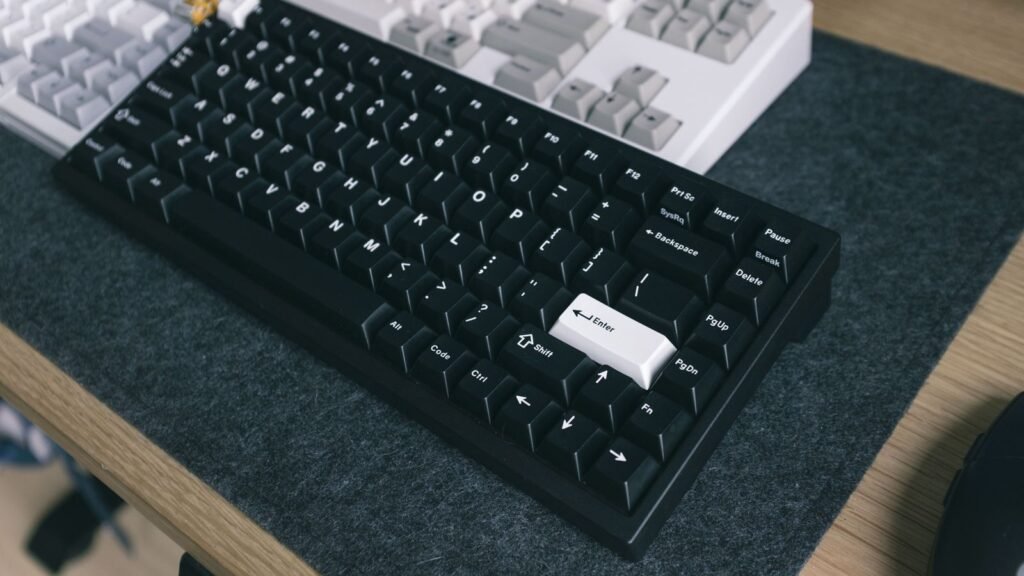
The Q1 has been the default answer to “which enthusiast keyboard should I buy first?” for years, and the Ultra 8K version is the most refined yet. It’s a CNC aluminum 75% board weighing about 1.7 kg, with a polycarbonate plate on a Poron gasket mount, so typing feels firm but softened rather than harsh. Notebookcheck’s March 2026 review praised its build, smooth new POM switches and long battery life.
Keychron moved this generation to ZMK firmware, which is far more power efficient on wireless. You remap keys and the aluminum knob through the browser-based Keychron Launcher, and the hot-swap sockets accept 3-pin and 5-pin MX-style switches if you want to change the feel later. It’s the board we’d point to for writers, programmers and anyone who types all day and wants something that feels premium.
- Switches: Keychron Silk POM Red (linear), Brown (tactile) or Banana (sharper tactile)
- Connectivity: USB-C, 2.4 GHz and Bluetooth 5.3; up to 8,000 Hz polling wired and on 2.4 GHz, 125 Hz on Bluetooth
- Battery: Keychron claims up to 660 hours with the backlight off and about 200 with it on
- Keycaps: double-shot PBT in the tall KSA profile, south-facing RGB
Good to know: it’s heavy, has no adjustable feet, and the tall KSA keycaps take some getting used to. Reviewers also note the 8K polling makes little real-world difference.
Best With a Numpad: Keychron Q6 Ultra 8K
The Q6 Ultra 8K is the full-size sibling of our top pick, so you get the same all-metal frame, double-gasket structure, Silk POM switches and screw-in stabilizers, plus a dedicated number pad. If you live in spreadsheets, enter data or do accounting work, this is the best mechanical keyboard with a numpad that still feels like an enthusiast board.
Reviewers called the build excellent and the connectivity broad, with 8,000 Hz polling over both wired and 2.4 GHz. The trade-off is size: a full-size metal keyboard takes a lot of desk space and pushes your mouse further out.
- Size: full size (100%) with numpad
- Switches: Keychron Silk POM in Red, Brown or Banana, hot-swappable
- Connectivity: wired, 2.4 GHz and Bluetooth 5.3
- Firmware: ZMK, with a 4,000 mAh battery
Good to know: one review found the stock switches slightly soft, so if you want crisp feedback, the Banana tactiles or a switch swap may suit you better.
Best for Office and Work: Logitech MX Mechanical
The MX Mechanical is the board for people who want mechanical feel without turning their desk into a hobby. It uses low-profile switches, so it sits closer to a laptop keyboard in height, and the Tactile Quiet version is designed to keep noise down in shared spaces. That makes it our pick as the best silent mechanical keyboard for most offices and the best mechanical keyboard for writers who switch between devices.
It pairs with up to three devices over Bluetooth Low Energy or Logitech’s Logi Bolt receiver and works with Windows, macOS, ChromeOS, Linux and iPadOS. The backlight wakes as your hands approach and adjusts to room light. Logi Options+ handles remapping and app-specific shortcuts. See the specs on Logitech’s MX Mechanical page.
- Sizes: full size with numpad, or the smaller MX Mechanical Mini
- Switches: low-profile Tactile Quiet, Linear or Clicky
- Battery: up to 15 days with backlighting, up to 10 months with it off
- Multi-device: Easy-Switch between three paired devices
Good to know: the switches aren’t hot-swappable and the low-profile keycaps limit customization, so this is a board you buy as it is.
Best for Gaming: Wooting 80HE
The Wooting 80HE uses magnetic Hall effect switches. Instead of a metal contact, a magnet and sensor measure exactly how far each key is pressed. That allows adjustable actuation points and Rapid Trigger, which resets a key the instant you start lifting it. For fast games where you tap strafe keys constantly, that’s a real advantage, and it’s why the 80HE shows up on so many gaming shortlists.
It’s a compact tenkeyless layout (TKL means no numpad, roughly 80% of a full board) available in ANSI, ISO and JIS. Everything is set up in Wootility, which runs as an app or in your browser. The Wooting 80HE product page lists true 8 kHz polling and a choice of PCR ABS plastic or zinc alloy cases.
- Switches: Lekker L60 V2 magnetic (Hall effect)
- Features: Rapid Trigger, adjustable actuation, 8 kHz polling
- Connectivity: wired only, USB-C to USB-C cable
- Case: recycled ABS or heavier zinc alloy
Good to know: there’s no wireless mode, and the analog features only pay off if you play competitive games. For pure typing, a regular mechanical board gives you more for the money.
Best Wireless Gaming Keyboard: ASUS ROG Strix Scope II 96 Wireless
If you want a gaming keyboard that’s wireless and still has a numpad, the Strix Scope II 96 is the strongest all-rounder. Its 96% layout squeezes the number pad and arrow keys into a board ASUS says is only about 1 cm wider than a typical 80% keyboard. PCWorld gave it an Editors’ Choice award.
It ships with pre-lubed NX Snow linear switches (or NX Storm clicky) in hot-swap sockets, dampening foam, pre-lubed stabilizers and doubleshot PBT keycaps. Connections cover 2.4 GHz, Bluetooth for up to three devices and wired USB. Details are on the ROG Strix Scope II 96 Wireless page.
- Layout: 96%, with numpad and media controls including a multi-function wheel
- Switches: ROG NX Snow linear or NX Storm clicky, hot-swappable
- Battery: up to 1,500 hours on 2.4 GHz with RGB off
- Extras: game-focused hotkeys on F1 to F5 and a removable wrist rest
Good to know: the gamer styling won’t suit every office, and Tom’s Guide felt its stock switches trail some rivals such as Corsair’s K70 Max.
Best Portable and Low Profile: NuPhy Air75 V3
The Air75 V3 is about 13.2 mm thick at its thinnest point, which makes it the easiest board here to slip into a laptop bag. Low-profile switches mean shorter keys and less travel, so it feels familiar if you’re coming from a laptop. NuPhy added a gasket-mount design this generation for a softer feel, and the switches are hot-swappable (with low-profile switches only).
It connects over 2.4 GHz, Bluetooth 5.0 or USB-C, and the 4,000 mAh battery is rated at up to 100 hours with the backlight on and far longer with it off. It’s a strong choice for programmers and writers who work from cafes or move between home and office.
- Size: 75% low profile, about 13.2 mm thick
- Switches: NuPhy low-profile linear or tactile, hot-swappable
- Polling: 1,000 Hz on 2.4 GHz and wired, 125 Hz on Bluetooth
- Battery: 4,000 mAh, up to 100 hours with lighting on
Good to know: low-profile switches and keycaps have far fewer aftermarket options than standard MX-style parts, and it weighs around 700 g, so it’s portable but not featherweight.
Best Value and Best for Beginners: Keychron V1 Max
The V1 Max delivers most of what makes enthusiast boards great for around $100. It’s a 75% board with a gasket mount, a polycarbonate plate, sound-absorbing foam, screw-in stabilizers, double-shot PBT keycaps and hot-swap sockets, plus wired, 2.4 GHz and Bluetooth modes. QMK and VIA support lets you remap any key without installing heavy software.
That combination makes it the best affordable mechanical keyboard for beginners: you get a good-sounding board on day one, and you can swap switches later once you know what you like. If your budget is closer to $50, Keychron’s wired C3 Pro (a TKL with linear or tactile switches and QMK/VIA support) is a popular step down, though it uses ABS keycaps.
- Size: 75% with a knob
- Switches: Gateron Jupiter (Red linear or Brown tactile), hot-swappable
- Connectivity: wired, 2.4 GHz and Bluetooth
- Build: ABS plastic case, PC plate, gasket mount, foam
Good to know: the plastic case feels less dense than the metal Q-series, and Keychron now also sells newer V1 8K and V1 Ultra 8K versions, so compare prices before you choose.
Best by Use Case at a Glance
Not sure which pick fits your day? Match your main job to the board below, then check the size section to confirm it fits your desk.
| If you mainly… | Best pick | Why |
|---|---|---|
| Type all day (writers, typists) | Keychron Q1 Ultra 8K | Cushioned gasket feel, smooth switches, long battery life |
| Work in a shared office | Logitech MX Mechanical (Tactile Quiet) | Quiet switches, multi-device switching, broad OS support |
| Write code | Keychron Q1 Ultra 8K or V1 Max | Remap any key, add layers for symbols and shortcuts |
| Play competitive shooters | Wooting 80HE | Rapid Trigger and adjustable actuation |
| Game wirelessly with a numpad | ROG Strix Scope II 96 Wireless | Tri-mode wireless in a compact 96% layout |
| Enter numbers or spreadsheets | Keychron Q6 Ultra 8K | Full numpad with premium build |
| Travel or use a laptop | NuPhy Air75 V3 | Thin, light, low profile |
| Start out on a budget | Keychron V1 Max | Enthusiast features at around $100 |
Programmers and Productivity
For the best mechanical keyboard for programmers, look past the switch and focus on remapping. Boards with QMK, VIA or ZMK firmware (both Keychron picks) let you put brackets, arrow keys and shortcuts on a layer under your home row, which saves a lot of hand travel. A 75% layout is the sweet spot because it keeps the function row and arrows that IDEs rely on.
Writers, Typists and Professionals
Long writing sessions reward comfort over speed. A tactile switch gives a light bump that tells you a key has registered, which helps many typists stop bottoming out. If you share an office, choose silent or quiet tactile switches. Try a few minutes on our typing test with different switch sounds to see which rhythm keeps you focused.
Best by Size: Compact to Full Size
Size changes your posture more than any other choice. A narrower board lets your mouse sit closer, which keeps your shoulder in a more natural position.
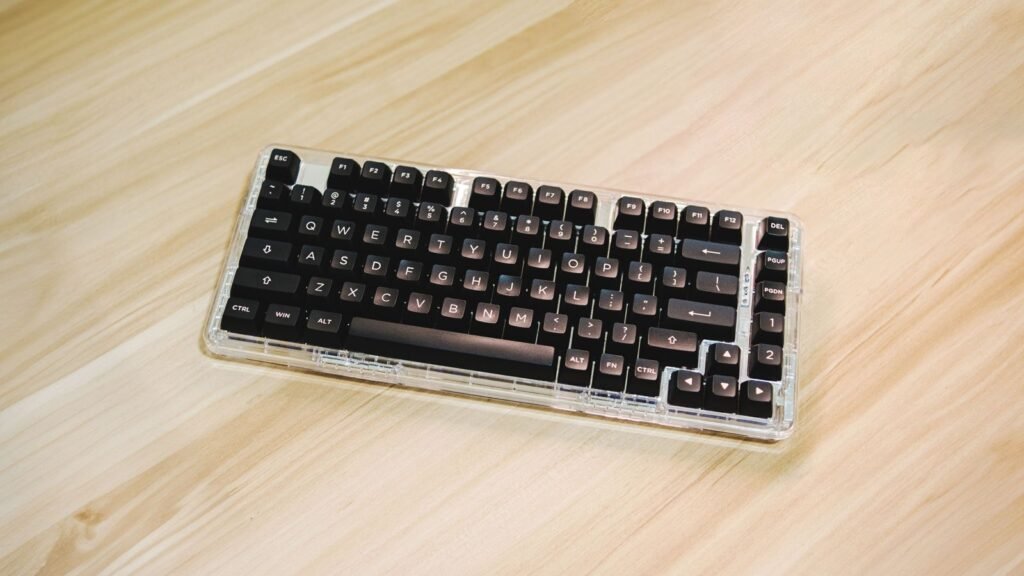
- 60% and 65%: the smallest common sizes. 60% drops arrows and the function row (you reach them through a function layer); 65% adds arrows back. Great for travel and minimal desks, but a learning curve for beginners.
- 75%: keeps the function row and arrows in a tight block. Our top pick, the NuPhy Air75 V3 and the V1 Max all use it, and it suits most people best.
- TKL (80%): a full layout minus the numpad, with standard spacing. The Wooting 80HE fits here.
- 96%: a squeezed full layout with a numpad but almost no gaps, like the ROG Strix Scope II 96.
- Full size (100%): everything, including a separate numpad and navigation cluster. Pick it if you type numbers daily, like the Keychron Q6 Ultra 8K or MX Mechanical.
The simulator includes five layouts, so you can see how each one looks and sounds before deciding.
What to Check Before You Buy
Think of this as the short version of a mechanical keyboard buying guide. Work through these points in order and you’ll narrow the list to one or two boards quickly.
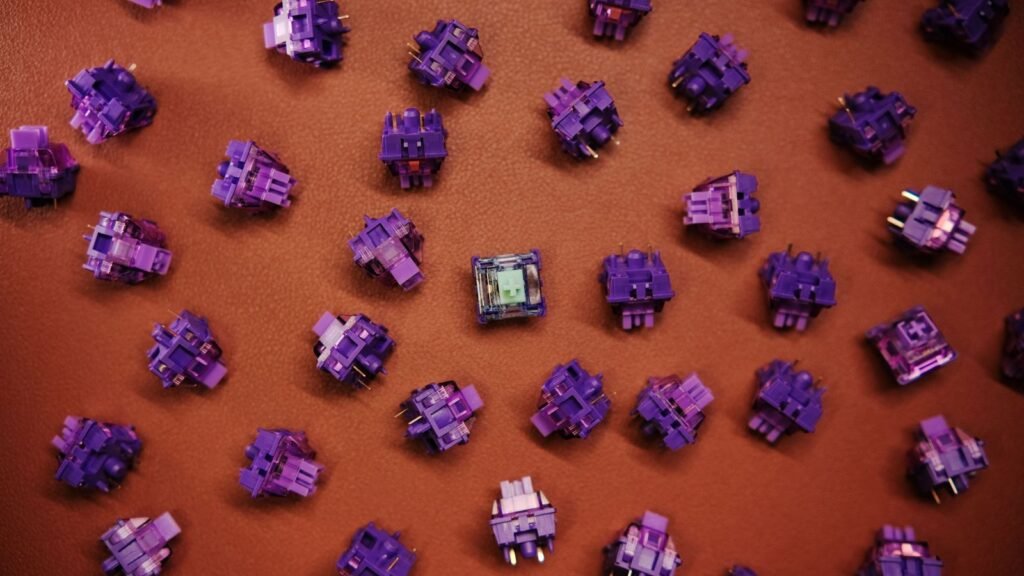
Switch Type
The best mechanical keyboard switches are the ones that match how you type. There are three main families:
- Linear: smooth from top to bottom with no bump. Popular for gaming and for a “creamy” sound on gasket boards.
- Tactile: a small bump partway down tells you the key has registered. A safe choice for typing and office work.
- Clicky: a bump plus an audible click. Satisfying alone, unpopular in shared spaces.
You can compare switch sounds for all 20 switches in our guide, then play them in the simulator to narrow your choice.
Build and Sound
The plate, case, foam and keycaps change the sound as much as the switch does. A gasket mount and internal foam usually give a deeper, softer sound, while a stiff aluminum plate sounds sharper. If you’re chasing the best creamy mechanical keyboard sound, look for a gasket mount, foam, PBT keycaps and pre-lubed linear switches. Read what changes keyboard sound to see how each part contributes.
Connectivity
A wired mechanical keyboard has no battery to manage and no pairing. Tri-mode boards add 2.4 GHz (a USB receiver, best for gaming) and Bluetooth (handy for laptops and tablets, but often limited to slower polling). If you game wirelessly, use the 2.4 GHz mode.
Hot-Swap and Software
Hot-swap is the single best feature for beginners because it lets you change your mind about switches cheaply. Remapping software matters most for programmers and Mac users; browser-based tools like VIA, Keychron Launcher and Wootility avoid installing extra apps.
Mac Compatibility and Layout Region
If you use a Mac, check that the board has Mac keycaps or a Mac and Windows toggle so Command and Option land in the right place. The MX Mechanical officially supports macOS, and Keychron boards are well known for Mac support. Also check your region’s layout (ANSI in the US, ISO in much of Europe).
Pros and Cons of Mechanical Keyboards
- Pros: better feel and feedback, replaceable keycaps and often switches, long lifespans, and repairs are possible.
- Cons: louder than most membrane boards, taller (a wrist rest helps), and heavier to carry.
If those cons are dealbreakers, the best mechanical keyboard alternatives are low-profile boards like the NuPhy Air75 V3 or a quality scissor-switch keyboard.
Setup and Maintenance Tips
A few habits keep any board feeling new. Set your keyboard’s feet (or a wrist rest) so your wrists stay straight, keep drinks to the side, and remove keycaps a few times a year to clear dust. Our guide on how to clean a mechanical keyboard walks through it step by step.
See Audience and Feature Best-Of Pages Next
This page is our main list. When you’ve narrowed your needs, these shortlists point you to the right boards from the picks above.
Gaming, Mac, Budget, and Wireless Shortlists
- Gaming: Wooting 80HE for wired competitive play; ROG Strix Scope II 96 Wireless if you want wireless and a numpad.
- Mac: Logitech MX Mechanical for simple multi-device use with Mac and iPad; a Keychron board if you want a premium build with Mac keys.
- Budget: Keychron V1 Max around $100; Keychron C3 Pro if you need to stay under $50.
- Wireless: Keychron Q1 Ultra 8K for typing, NuPhy Air75 V3 for travel, and the MX Mechanical for office multitasking.
For care, switch and sound explainers, browse all of our keyboard guides.
Frequently Asked Questions
What Is the Best Mechanical Keyboard Right Now?
For most people, it’s the Keychron Q1 Ultra 8K. It combines an aluminum gasket-mount build, smooth hot-swappable switches, tri-mode wireless and very long battery life in a desk-friendly 75% layout. Gamers should look at the Wooting 80HE instead, and office workers at the Logitech MX Mechanical.
Which Mechanical Keyboard Is Best for Beginners?
The Keychron V1 Max is our beginner pick. It costs around $100, sounds good out of the box thanks to its gasket mount and foam, and its hot-swap sockets let you try new switches later without soldering. A 75% layout like this one is easy to adjust to.
How Much Should I Spend on a Mechanical Keyboard?
You can get a decent wired board under $50, but around $100 is where you get hot-swap, PBT keycaps and wireless together. Spending $150 to $250 buys metal cases, better stabilizers and premium switches. Beyond that, you’re mostly paying for materials and looks.
What Is the Best Silent Mechanical Keyboard for an Office?
The Logitech MX Mechanical with Tactile Quiet switches is our pick for shared offices. Any board with silent linear or silent tactile switches, foam and PBT keycaps will also stay fairly quiet. Avoid clicky switches if anyone sits near you.
Are Linear or Tactile Switches Better for Typing?
Many typists prefer tactile switches because the bump confirms each press, while gamers often favor linear switches for their smooth, fast travel. Neither is objectively better. Listening to both in a simulator is a quick, free way to find a starting point.
Is a Wireless Mechanical Keyboard Good Enough for Gaming?
Yes, as long as you use the 2.4 GHz receiver rather than Bluetooth. Boards like the ROG Strix Scope II 96 Wireless and Keychron Q1 Ultra 8K run at high polling rates over 2.4 GHz. Bluetooth is better kept for laptops and tablets.
Which Mechanical Keyboard Brands Are Most Reliable?
Keychron, Logitech, Wooting, ASUS ROG and NuPhy all have strong review track records and support their boards with firmware updates. Reliability depends more on the specific model than the brand, so check recent reviews for the exact board you want.
Open the simulator, pick a 75% layout, and switch between a linear and a tactile switch with foam and PBT keycaps to hear which combination you’d want on your own desk.